A short one on monthly costs associated with WVD in preview

Average time to read: 3 minutes
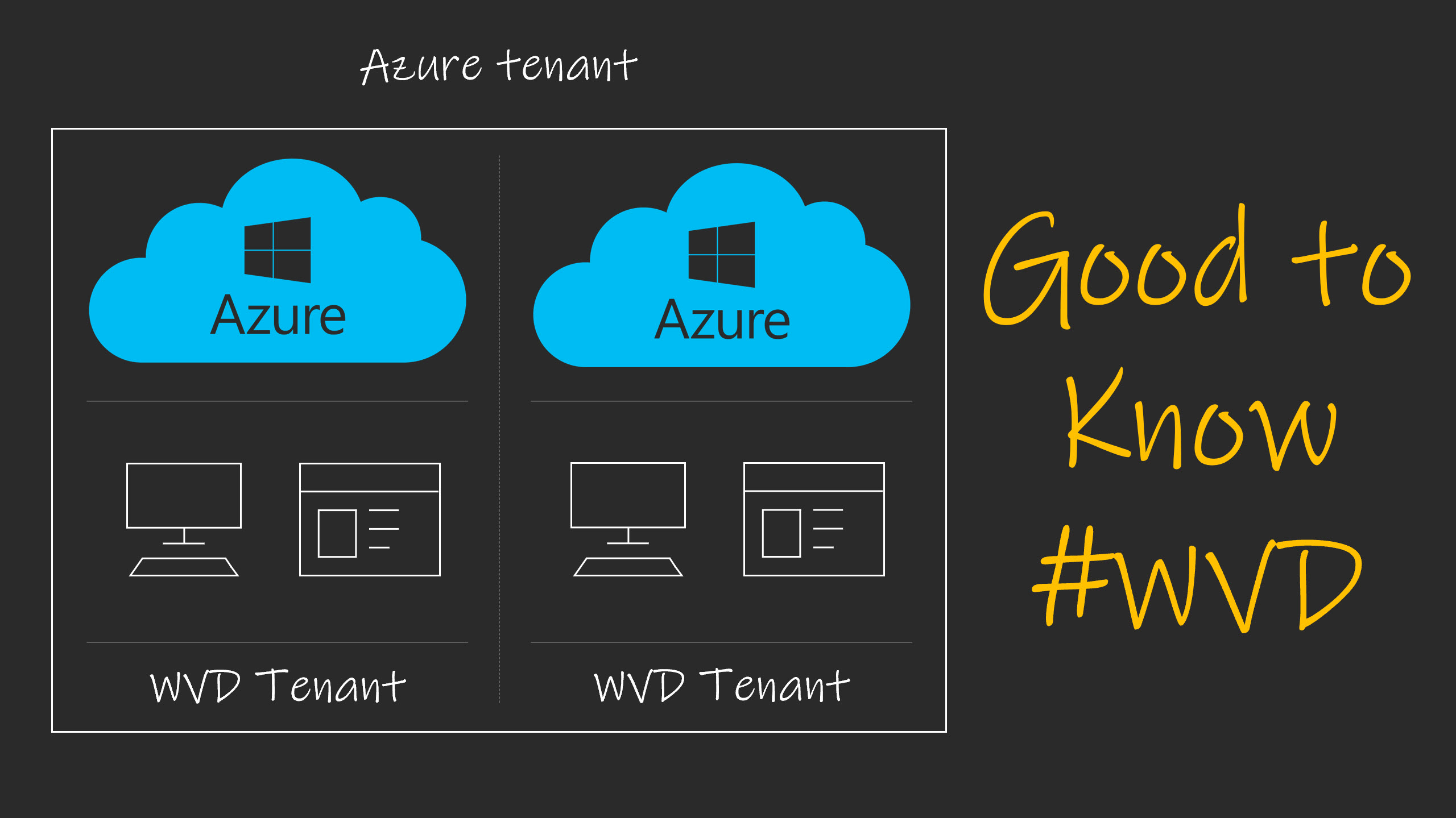
Just in case you might be wondering what it takes to run a (very) small WVD environment on Azure, here’s my breakdown from the last couple of months – resource and cost-wise.

Continue reading A short one on monthly costs associated with WVD in preview

When trying out the Windows Virtual Desktop (today), keep the following in mind

Average time to read: 4 minutes

A lot of companies offer free support while you evaluate their software. The idea behind this is simple. If you don’t know how the product works, how to implement or configure it etc, there is a good chance you’ll eventually quit because it might seem overly complex, and you can’t get it to work (properly). This, while in fact it’s you doing it wrong, not reading the FAQ’s, being impatient (sounds familiar?), and so on. By providing (free) support companies hope to prevent this from happening and to get you to purchase the product, or at least to evaluate further.

Continue reading When trying out the Windows Virtual Desktop (today), keep the following in mind

The Windows Virtual Desktop – what we know so far. 83 facts listed

Average time to read: 9 minutes

Throughout the last couple of months a lot has been said (and shown) about and around the Windows Virtual Desktop, so much that I thought a summary would be in place. Do note that I’m relying on what’s publicly available or what I’ve picked up from hearsay. In case of the latter I will make note of it. Updated per 25-03-2019 after my visit to Microsoft Ignite On Tour in Amsterdam where multiple announcements have been made. All facts have been verified by a PM of the WVD / RDS team.

Read moRE

The need of doing User Environment Management on (all) your digital workspaces… and not just virtual

Average time to read: 5 minutesThroughout the years I have had the pleasure of visiting dozens of companies to talk about their ‘digital workspace’ challenges. Projects ranged from thousands of users/machines to just a few hundred. Some of these challenges were related to physical desktops, some to virtual, some were on-premises, some were cloud-based. I’ve worked for retail companies, financial, travel, in healthcare, etc. No matter their branch and/or size, they all dealt with the same types of issues.

Continue reading The need of doing User Environment Management on (all) your digital workspaces… and not just virtual

Synergy 2018: Per-user Outlook search indexing and OST caching options. What was announced? High level cheat sheet included.

Average time to read: 5 minutesDuring Citrix Synergy a ton of new and exciting announcements were made. I wasn’t there to witness it myself but luckily, I was able to enjoy the Keynote (amongst other sessions and announcements) from a sunny and warm terrace (cold beers included) since the weather here in the Netherlands was some of the best we’ve seen in a long time. Of course, the 9-hour time difference also helped.

Continue reading Synergy 2018: Per-user Outlook search indexing and OST caching options. What was announced? High level cheat sheet included.

The future looks bright for User Environment and Workspace Management

Average time to read: 5 minutesProfileUnity is hot, there’s no denying. Everywhere I go partners and (potentially new) customers keep asking for demos, and as soon as I show them a thing or two they are eager to get their hands dirty. In fact, the number of trial licenses I have been handing out throughout the last couple of weeks must be some kind of a new internal record (I’ll make sure to check). Seriously, the demand for a future stable, easy and straightforward to use User Environment and Workspace Manager product has been higher than ever before.

Continue reading The future looks bright for User Environment and Workspace Management

Probleem – Windows 10 blijkt niet het beloofde ‘One OS to rule them all’. Gebruikersprofiel versies blijven wijzigen

Average time to read: 6 minutesRuim twee jaar geleden was het zo ver, Microsoft kwam met Windows 10 (en niet veel later Windows Server 2016) en schreeuwde het van de daken. Niet langer zouden we ons zorgen hoeven maken om nieuwe versies van het Windows desktop besturingssysteem. Windows 10 is en blijft de laatste, op de gebruikelijke jaarlijkse updates na. Echter, schijn bedriegt. In deze blog leg ik je graag uit wat ik hiermee bedoel.

Continue reading Probleem – Windows 10 blijkt niet het beloofde ‘One OS to rule them all’. Gebruikersprofiel versies blijven wijzigen

Probleem – Microsoft Office 365: Outlook en OneDrive hebben een blijvende/persistente opslaglocatie nodig

Average time to read: 5 minutesZodra een gebruiker Outlook opent, worden o.a. berichten (e-mails), zoekresultaten, inclusief de contacten en kalender informatie gedownload in de AppData folder van het zogenaamde gebruikersprofiel. Een blijvende/persistente opslaglocatie t.b.v. het gebruikersprofiel is dus gewenst – anders moet deze informatie iedere keer opnieuw binnengehaald worden, een ongewenste situatie.

Continue reading Probleem – Microsoft Office 365: Outlook en OneDrive hebben een blijvende/persistente opslaglocatie nodig

Verified by MonsterInsights